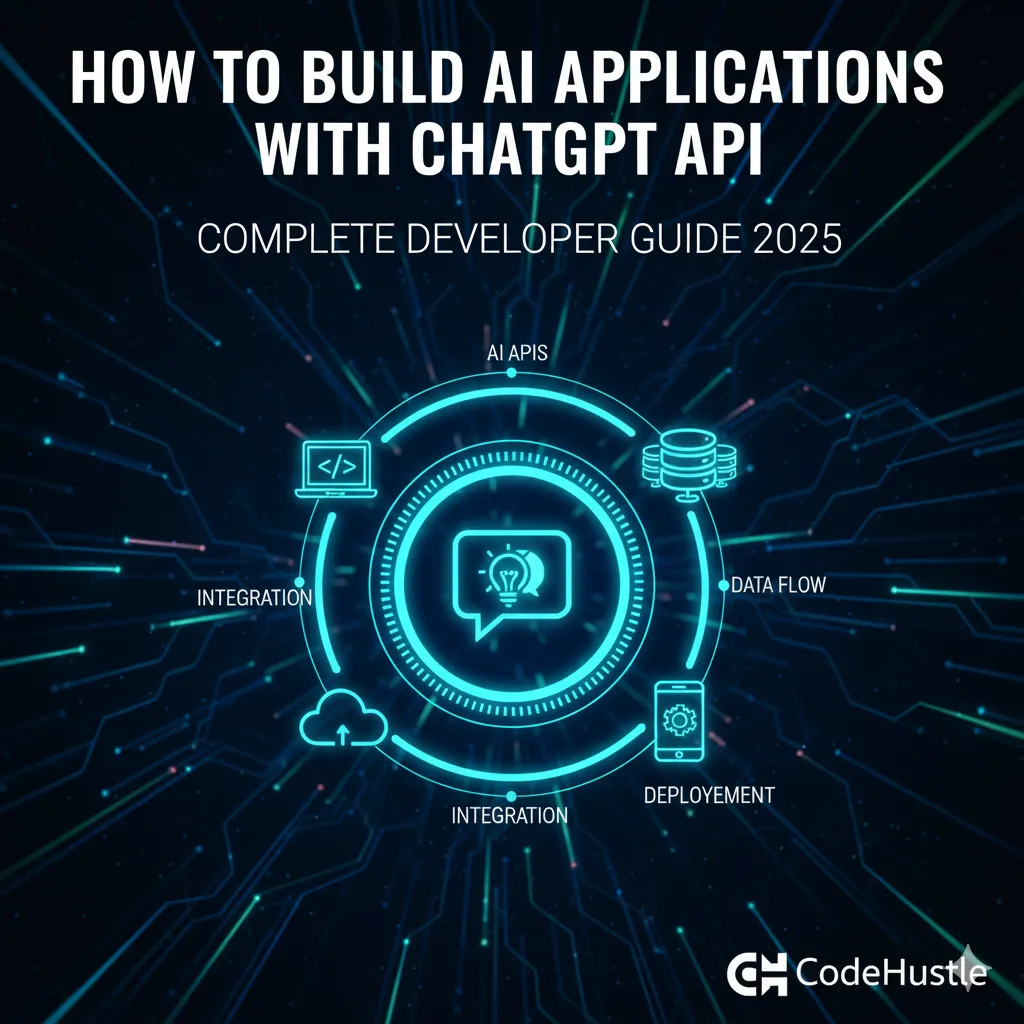
How to Build AI Applications with ChatGPT API: Complete Developer Guide 2025
Learn how to build powerful AI applications using ChatGPT API. Complete guide with code examples, best practices, and real-world projects for developers in 2025.
Md. Rony Ahmed
· 7 min read
Getting Started with ChatGPT API
OpenAI's ChatGPT API allows developers to integrate powerful AI capabilities into their applications. Let's build something amazing.
Setting Up
First, install the OpenAI SDK:
npm install openai
Basic API Call
import OpenAI from 'openai';

const openai = new OpenAI({
  apiKey: process.env.OPENAI_API_KEY,
});

async function chat(message: string) {
  const response = await openai.chat.completions.create({
    model: 'gpt-4',
    messages: [
      { role: 'system', content: 'You are a helpful assistant.' },
      { role: 'user', content: message }
    ],
  });

  return response.choices[0].message.content;
}
Building a Chatbot
Create a conversational AI with message history:
const conversationHistory = [];

async function chatWithHistory(userMessage: string) {
  conversationHistory.push({ role: 'user', content: userMessage });

  const response = await openai.chat.completions.create({
    model: 'gpt-4',
    messages: conversationHistory,
  });

  const assistantMessage = response.choices[0].message;
  conversationHistory.push(assistantMessage);

  return assistantMessage.content;
}
Key Takeaways
1. ChatGPT API is straightforward to integrate
2. Maintain conversation history for context-aware responses
3. Use system prompts to customize AI behavior