Email Monitoring System With n8n
Learn how to build an automated email monitoring system with n8n to track, filter, and process incoming emails for smarter workflows.
Md. Rony Ahmed
· 1 min read
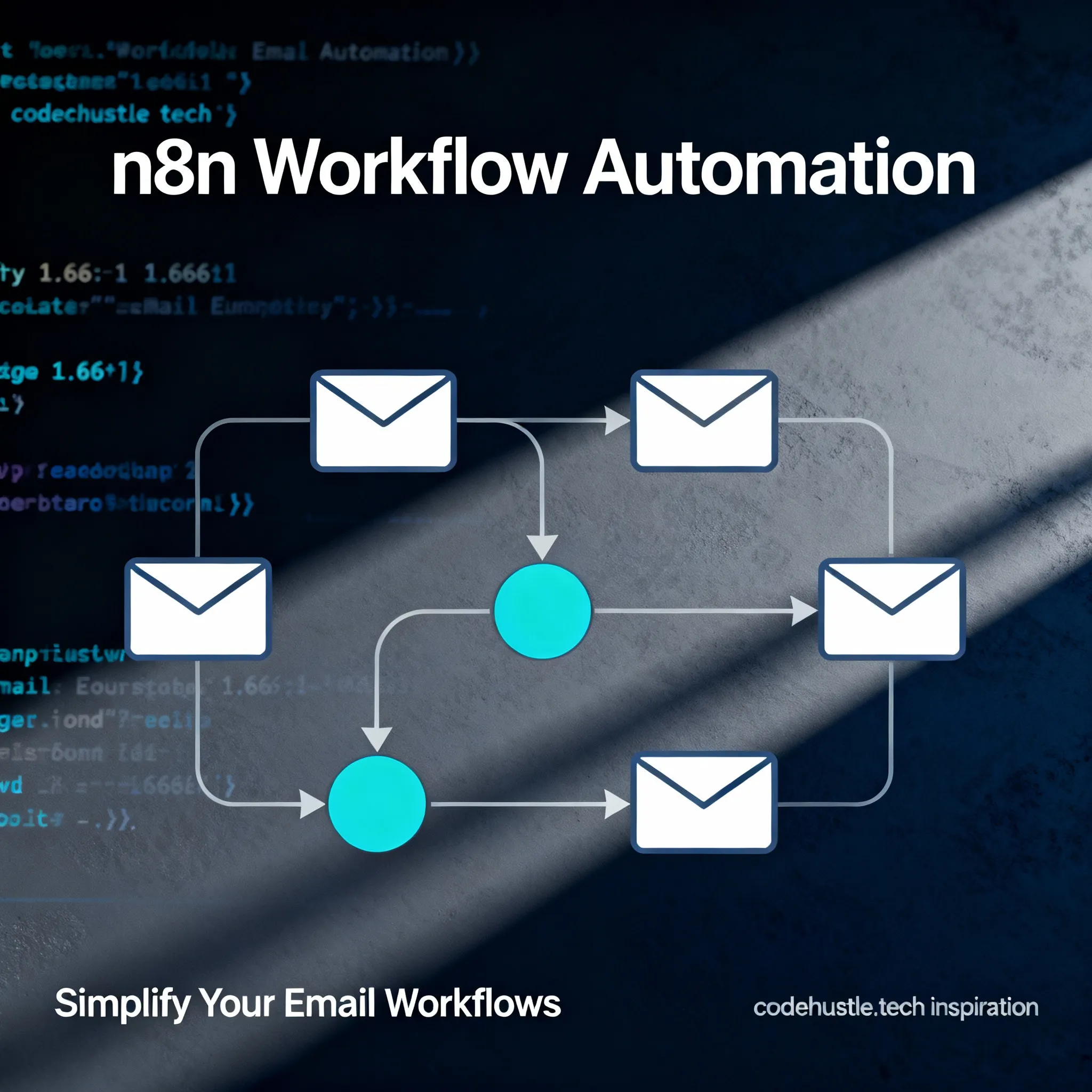
Introduction to Email Monitoring with n8n
n8n is a powerful workflow automation tool that allows you to connect various services and automate repetitive tasks. In this tutorial, we'll build an automated email monitoring system that tracks, filters, and processes incoming emails.
Why Automate Email Monitoring?
Email is still the backbone of business communication. Automating email monitoring helps you:
- Save Time: Automatically categorize and route emails
- Reduce Errors: Consistent processing without human oversight
- Improve Response Time: Instant notifications for important emails
- Create Audit Trails: Track all email-related activities
Setting Up n8n
First, you'll need to install n8n. You can run it locally using Docker:
docker run -it --rm \
  --name n8n \
  -p 5678:5678 \
  n8nio/n8n
Building the Workflow
1. Email Trigger: Set up an IMAP or Gmail trigger node
2. Filter Node: Create conditions for different email types
3. Action Nodes: Route emails to Slack, databases, or other services
Key Takeaways
1. n8n provides a visual way to build email automation
2. Combining triggers and filters creates powerful workflows
3. Integration with Slack, databases, and other tools extends functionality